
Data Backup For Small Business Records
A practical guide to backing up business records, testing restores and keeping access under control before something goes missing.
In short
Data backup for small business records means keeping safe, usable copies of the information needed to run, explain and defend the business. A good routine lists critical records, stores copies in more than one place, controls access and tests that files can be restored.
A lost laptop, stolen phone or corrupted spreadsheet can stop you from proving what happened in your own business.
Data backup for small business records means keeping safe, usable copies of the information you need to run, explain and defend your business. It is a basic compliance habit, not just an IT task. If a customer query, supplier dispute, tax question or staff issue comes up, you need records you can find and trust.
The better approach is simple: decide what matters, store it in more than one place, control who can touch it, and test that you can restore it.
Why Data Backup Small Business Planning Matters
Small businesses often run on a mix of formal and informal systems. You may have invoices in accounting software, sales in spreadsheets, orders in WhatsApp, staff details in email, and supplier statements on one person’s laptop. It works until it does not.
The risk is not only losing files. It is losing the story behind the files. Which spreadsheet is the latest one? Who changed the price list? Where is the signed document? Did the customer pay in US dollars, ZiG, kwacha or rand? Was that mobile money confirmation saved anywhere outside a phone gallery?
Good backup planning helps you answer those questions. It also reduces panic when there is load-shedding, patchy signal, a damaged device, or a staff member who is away with the only copy of an important file.
For compliance, the main point is simple. If your business collects or uses information, especially personal, financial, staff or customer information, you should be able to protect it and produce it when needed.
Decide Which Records Are Critical
Do not start by buying storage. Start by listing the records your business cannot operate without.
For most small and medium businesses, critical records include:
- Sales invoices and receipts
- Customer names, contacts and account history
- Supplier invoices and statements
- Stock records and price lists
- Payroll and staff records
- Contracts, leases and signed forms
- Bank, cash and mobile money records
- Tax and statutory documents
- Website, domain and email access details
Once you have the list, mark where each record lives today. Be honest. If something lives only in a WhatsApp chat, say so. If the only copy of a supplier agreement is in a manager’s inbox, write that down.
This exercise usually shows the real problem. It is not that the business has no information. It is that the information is scattered across too many places, with no clear owner and no clear backup routine.
Use More Than One Type Of Backup
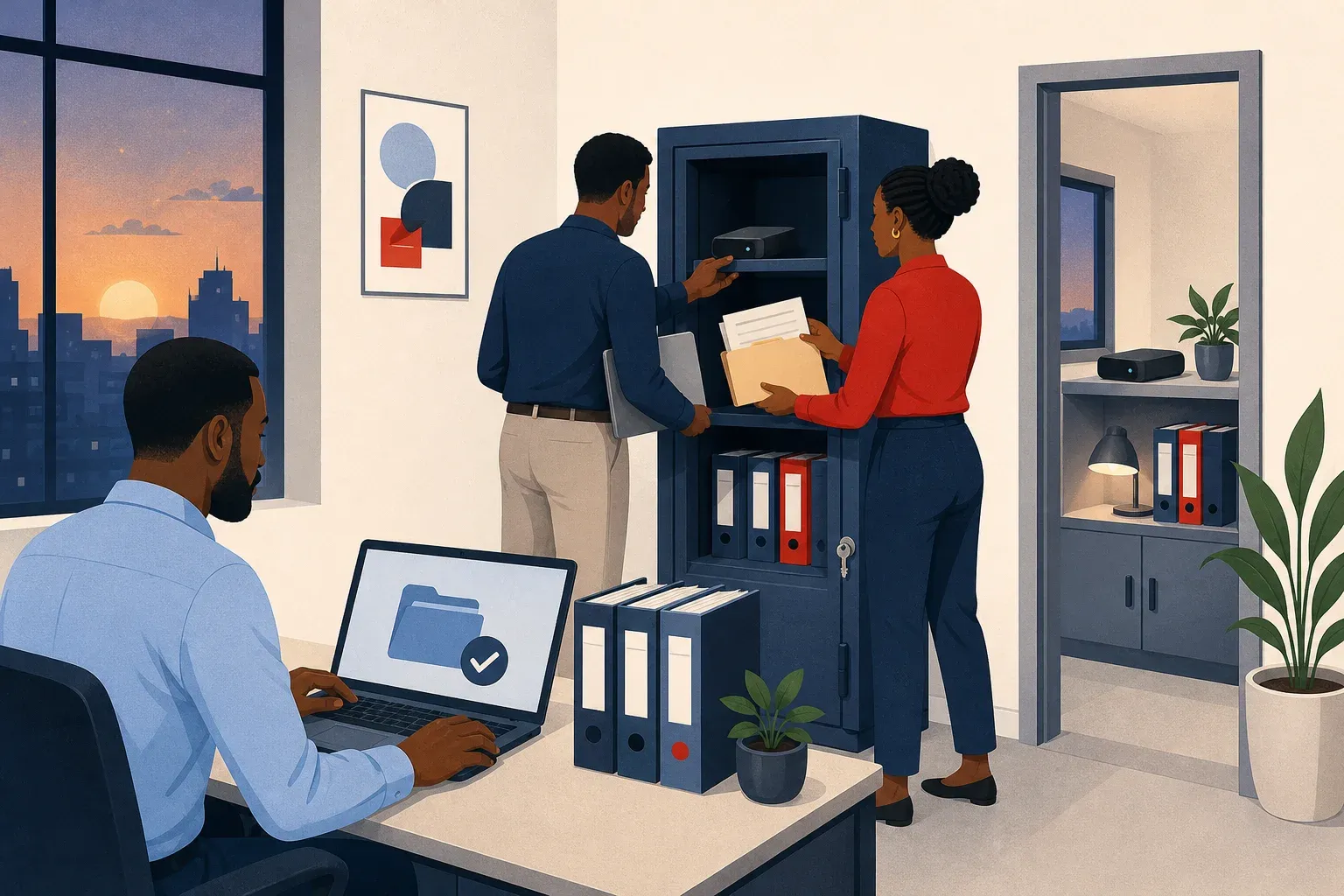
A useful backup plan does not depend on one device, one person or one location. Keep more than one copy of important records, and not all in the same place. Your working file may be on a laptop, with another copy in approved cloud storage, and another on an external drive kept safely away from the office machine.
This matters because different problems need different answers. If a file is deleted by mistake, a cloud version may help. If there is no internet, a local backup may help. If a laptop is stolen, an off-device copy may help.
External drives are useful only if someone actually updates them. A hard drive that was last used many months ago gives false comfort. Keep backup drives away from heat, dust and casual access.
For cloud storage, use business-controlled accounts where possible. Avoid storing key records only in an employee’s personal email or personal cloud account. If that employee leaves, changes a password or loses access, the business may lose access too.
Backups protect availability, but they can also increase risk if you copy sensitive records into unsafe places. Not every staff member needs every file. Use named accounts rather than shared passwords where you can.
Test Your Restore And Make It Routine
A backup is only useful if you can restore it. Many businesses assume that because a file copied somewhere, they are safe. That is not enough. Files can be incomplete, old, damaged, encrypted with a forgotten password, or stored in a format no one can open.
Set a simple monthly test. Choose one important file or folder and restore it to a different location. Check that it opens, that the dates make sense, and that the content is what you expected.
Keep a short record of the test. Note the date, what was tested, who tested it, and whether it worked. Also test what happens when the usual person is absent. If only one staff member knows where backups are kept, that is a business risk.
The best backup plan is one your team can follow on a normal busy day. Write down a short routine that says what gets backed up, when it happens, where it goes, and who checks it. Name the owner of the process. If everybody is responsible, nobody is responsible.
Review the routine when the business changes. A second branch, a new website, a new staff member handling finance, or a move from cash to more card and mobile payments can all change what needs to be backed up.
Good data backup is not about fear. It is about being able to continue trading, answer questions and protect the information people trust you with.
If your business records are spread across spreadsheets, phones and laptops, book a discovery call with Intetrix Solutions to review a safer setup.
Common questions
- What Records Should A Small Business Back Up?
- Critical records often include sales invoices and receipts, customer details, supplier invoices, stock records, payroll records, contracts, bank records, tax documents, and website, domain and email access details.
- How Should A Small Business Store Backups?
- A useful backup plan should not depend on one device, one person or one location. Keep more than one copy of important records, such as a working file, approved cloud storage and an external drive kept safely away from the office machine.
- How Often Should A Small Business Test Backups?
- The article recommends a simple monthly test. Restore one important file or folder to a different location, check that it opens, and keep a short record of the test.