
How To Keep Payroll Clean Before Payday
Payroll errors are expensive because they are often found too late. Use a simple control process for people, leave, approvals and returns.
In short
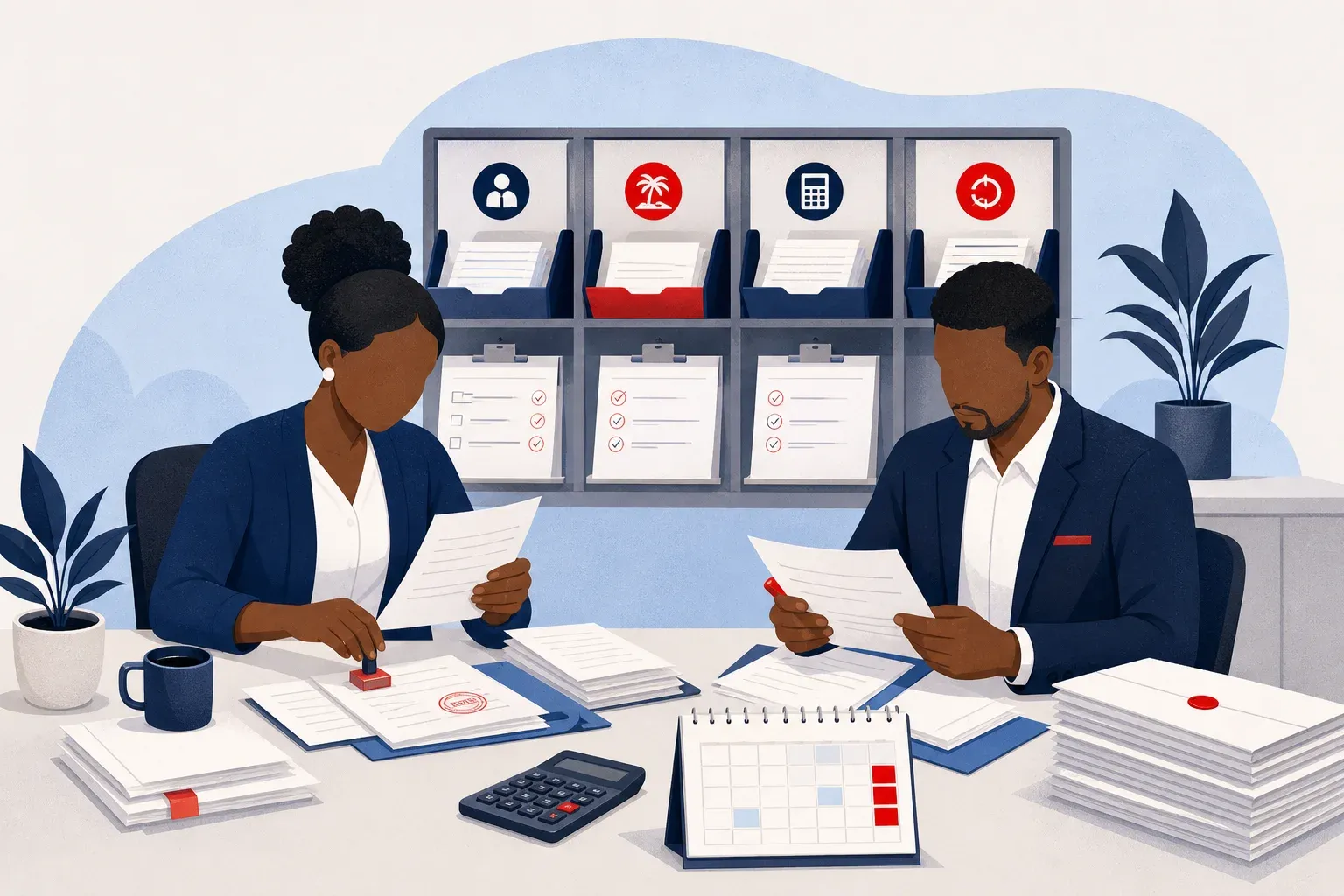
To keep payroll clean before payday, use one master employee record, include leave in the payroll process, and move every pay run from draft to review to approval. Payslips, statutory returns and accounting journals should all come from the approved payroll.
Payroll becomes risky when approvals, leave and deductions live in different places.
For many small and medium businesses, payroll starts neatly: a few employees, a spreadsheet, a folder of contracts and a WhatsApp message about overtime. Then the team grows. Leave requests move through calls and chats. Deductions change. New hires join in the middle of the month. Someone resigns. Public holidays affect leave. Statutory returns need to match what was actually paid.
The problem is that payroll has little room for guesswork. If you find an error after people have been paid, you now have a trust problem, a cash problem and often a compliance problem.
Start With One Source Of Employee Truth
Payroll depends on employee information being correct. Names, ID numbers, roles, departments, start dates, pay details, leave balances and manager lines all affect what happens at month end.
If HR keeps one version, payroll keeps another and finance keeps a third, errors are easy to miss. A manager may think someone has enough leave. Payroll may have a different balance. Finance may post pay to the wrong account code.
Decide where the master employee record lives. Then capture every change there first: new employees, salary or wage changes, department or cost centre changes, manager changes, leave adjustments, overtime claims and terminations.
Leave should also be part of payroll, not an afterthought. It must accrue correctly. Public holidays must not be treated as ordinary leave days. For businesses in Zimbabwe and Zambia, check leave taken, leave accrued and leave balances before the pay run is approved.
Put A Review Step Between Draft And Payment
Many payroll errors happen because one person prepares the run and the next step is payment. That is convenient, but it is weak control.
A better process has stages. First, payroll is prepared as a draft. Then it is reviewed. Then it is approved. Only after approval should people be paid.
The reviewer should look for things that do not make sense: a sudden change in net pay, missing leave, unusual overtime or an employee who should not be in the run. The point is not to distrust staff. The point is to protect the business and the employees from avoidable mistakes.
SwiftlyPeople, the Payroll and HR product in the Swiftly family, moves each payroll run from draft to reviewed to approved. Anything that looks wrong is flagged on the payslip before anyone is paid. It also keeps roles separate for HR, payroll, finance, managers and employees, with every change logged.
If you are not ready to change systems, write down who prepares payroll, who reviews it and who gives final approval. Make sure the approver is not the same person who prepared the run.
Send Payslips In A Way Staff Can Use
A payslip is not only a record. It is also a way to reduce queries. If employees receive payslips late, or only when they visit the office, payroll questions pile up.
In our region, staff may not all sit at desks. Some work in branches, warehouses, shops, vehicles or customer sites. Email works for some people. WhatsApp works better for others. Patchy signal and load-shedding can also affect when people see messages.
The practical rule is to send payslips through channels employees already use, while still protecting the document. SwiftlyPeople sends payslips by email or WhatsApp, locked with the employee’s ID number. Employees can also check leave and claim overtime.
Whichever system you use, send payslips at the same point each month. Tell employees how to raise a query. Keep the response route separate from informal complaints in group chats.
Base Returns And Journals On The Approved Payroll
Statutory returns and accounting journals should come from the same payroll that was approved and paid. If returns are recreated manually from another spreadsheet, errors can enter after approval.
For Zimbabwean businesses, TaRMS files for ZIMRA are one example of where payroll data must be prepared properly. More broadly, every month’s statutory returns should tie back to the approved payroll. The accountant’s journal should also tie back to the same source.
This matters because payroll touches more than employees. It affects tax, contributions, management accounts and cash planning. If finance receives figures late or in the wrong format, month end takes longer than it should.
Before your next payday, take 30 minutes and test your process:
- Can you see the employee records used for that run?
- Can you prove which leave was included?
- Can you see who reviewed and approved the payroll?
- Do the statutory returns match the approved payroll?
- Does the accounting journal match the same payroll?
If the answer is no to several of these, your risk is not only in the numbers. It is in the gaps between people, leave, payroll, returns and finance.
Clean payroll is built before payday. Start with one source of employee data, keep leave inside the monthly process, add a real review step, send payslips properly and base returns and journals on the approved run.
Try SwiftlyPeople with a 30-day free trial at swiftlypeople.com.
Common questions
- How do I avoid payroll errors before payday?
- Start with one source of employee truth, keep leave inside the monthly payroll process and add a review step before payment. Check that returns and accounting journals match the approved payroll.
- How should payroll approvals work in a small business?
- Payroll should be prepared as a draft, reviewed, then approved before anyone is paid. The approver should not be the same person who prepared the run.
- Should payroll returns match the approved payroll?
- Yes. Statutory returns and accounting journals should come from the same payroll that was approved and paid, not from a recreated spreadsheet.