
Community Website Design For Faith And Support Organisations
A practical guide for faith and community organisations that need a clearer website for members, workers, families, supporters and partners.
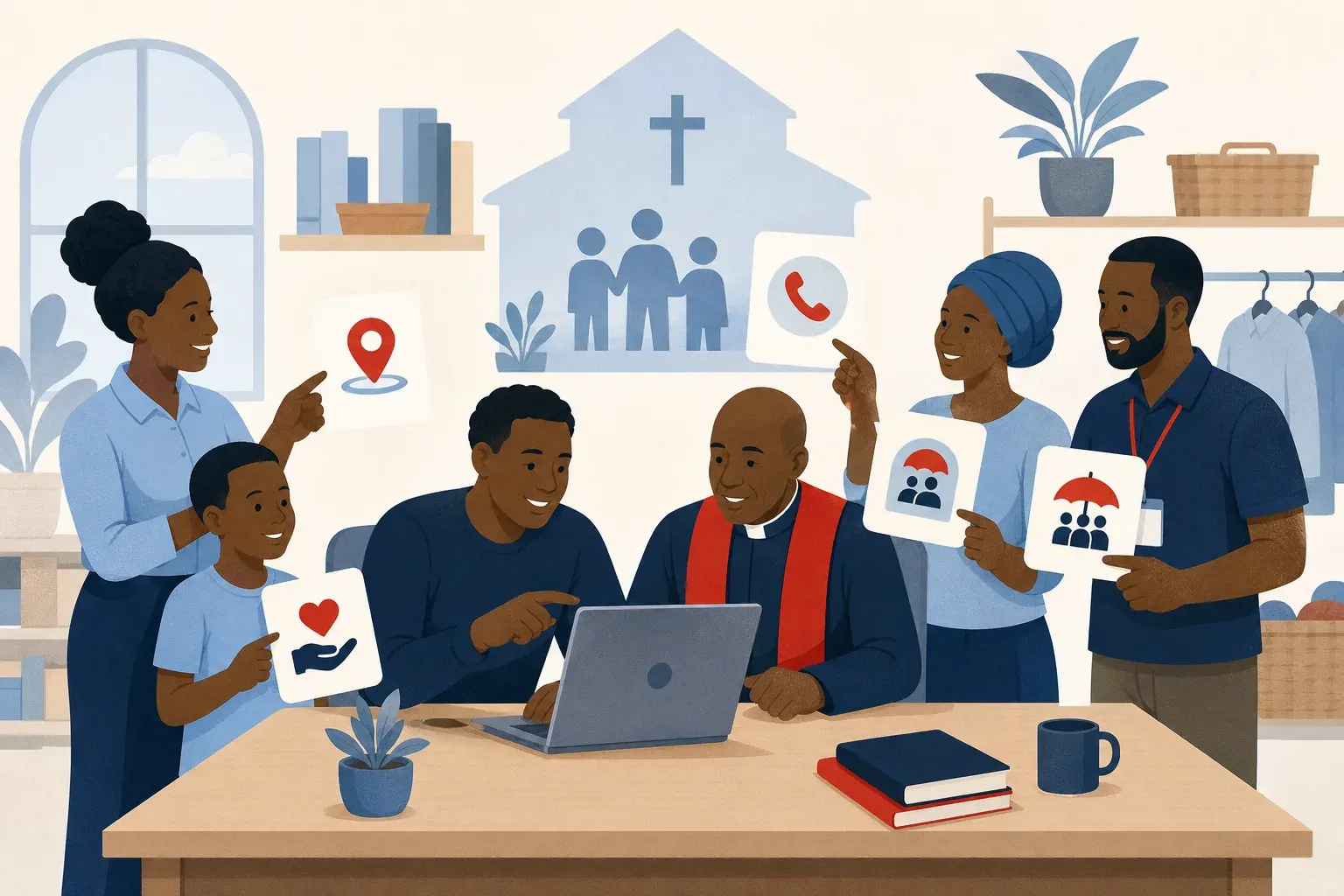
In short
Good community website design makes a faith or support organisation’s purpose, audience, activities and contact route clear from the first page. It helps visitors understand who is served, where the organisation works, how to ask for help, how to refer someone, and how to support the work.
If your faith or community organisation is hard to understand online, people may not know how to visit, ask for help, support your work, or contact the right person. Good community website design fixes that by making your purpose, audience, activities and contact route clear from the first page.
This matters for churches, assemblies, missions, trusts, schools, welfare groups and local support organisations across Southern Africa. A website will not replace your relationships on the ground. But it can make your organisation easier to understand, easier to reach and easier to trust.
Start With The Visitor’s Need
A community website should not start with the organisation’s full history. It should start with the visitor’s question.
Most visitors arrive with one of a few needs:
- They want to understand who you serve.
- They want to know where you work.
- They want to contact someone.
- They want to refer a person or family.
- They want to support the work.
- They want to confirm that the organisation is real.
Your home page should answer those questions quickly. Use simple wording. Avoid long introductions that only insiders understand. If your organisation serves assemblies, workers, local leaders or vulnerable families, say that clearly. Do not make visitors read five pages to work out your purpose.
African Brethren’s own wording is a useful example: “Serving the Brethren assemblies across Africa: their workers, local leaders and vulnerable families.” That sentence tells the reader who is served and what the organisation is about.
Make The Basics Clear
Community website design is not only about colours, images and layout. Those things matter, but they come after the message. A good website should make the basics clear.
Explain who you are. Use the name people know you by. If you work across several countries or communities, say so without overstating your reach.
Explain who you serve. Be specific. “Families” is better than “beneficiaries” if that is what you mean. “Local leaders” is clearer than “stakeholders” if those are the people you support.
Explain what you do. Keep it practical. A visitor should not need a committee member to interpret the website for them.
Explain how to contact you. Put contact details where people expect to find them. If you use a form, make it short. If you use phone numbers, keep them current. If you work in areas with patchy signal, some visitors may prefer a call, SMS, WhatsApp or email depending on their location and data access.
Write For Outsiders Too
Many faith and community websites are written for people who already know the organisation. That is understandable. The first audience is often the existing community. But a public website is also read by outsiders.
These may include family members, partner organisations, local leaders, suppliers, journalists, donors, volunteers, government officers or someone searching from another country. They may not know your internal language. They may not understand your structure. They may be checking whether they are dealing with the right organisation.
Use plain headings. Replace vague words with concrete ones. If you have ministries, programmes or regions, explain them in ordinary language. If you use titles or roles that are common in your church or network, add a short explanation where needed.
This does not mean removing your identity. It means making your identity understandable. A website can be faithful to your language and still be clear to a first-time visitor.
Keep The Site Light And Trustworthy
In Zimbabwe, Zambia and South Africa, many visitors will use a phone. Some will be on mobile data. Some will be reading during load-shedding, while travelling, or in areas where signal comes and goes.
Keep pages focused. Do not overload every page with large images, long documents and heavy effects. Use images where they help the visitor understand the work, not only to fill space. Make sure the text is readable on a small screen. Buttons should be easy to tap. Contact details should not be hidden inside an image, because people may need to copy them.
Trust is also built through clear, careful information. Use a clear name and logo. State your purpose in plain words. Keep contact details visible and information current. Use respectful language and images. Avoid claims you cannot support. Do not publish sensitive personal details about vulnerable families.
A calm layout, consistent pages and readable text make the organisation easier to take seriously. Visitors should be guided, not overwhelmed.
Treat The Website As Part Of Your Work
A website is not only an online brochure. For many community organisations, it becomes part of how people find help, ask questions and decide whether to engage.
That means someone must own it. Not in a technical sense only, but in an operational sense. Decide who checks the wording. Decide who updates contacts. Decide what should and should not be published. Decide how often key pages are reviewed.
You do not need a large team. You need clear responsibility. Even a small website can serve well if the content is accurate, the structure is simple and the next step is obvious.
Intetrix Solutions made the African Brethren website for a faith and community organisation. The main lesson for any similar organisation is simple: your website should help people understand your service before they ever phone you.
Next step: see the African Brethren website.
Common questions
- What Should A Community Website Include?
- A community website should clearly explain who you are, who you serve, what you do and how people can contact you. The home page should answer common visitor needs quickly, using simple wording that outsiders can understand.
- How Do I Make A Faith Organisation Website Trustworthy?
- Use a clear name and logo, state your purpose in plain words, keep contact details visible and keep information current. Use respectful language and images, avoid unsupported claims and do not publish sensitive personal details about vulnerable families.
- Why Should A Community Website Be Mobile Friendly?
- Many visitors in Zimbabwe, Zambia and South Africa will use a phone, sometimes on mobile data or in areas where signal comes and goes. Pages should be focused, readable on a small screen, easy to tap and light enough not to overwhelm visitors.